Jump Gates
Most fleets crawl across the galaxy one jump at a time, limited by your range and your speed. A jump gate changes that. A gate is a permanent link between two stars that lets fleets cross between them at much higher speed — bridging distances no normal jump could reach. Think of it as a fixed highway you lay down once and use for the rest of the game.
Gates come from two places: some are built into the galaxy when a theatre is created (map designers use them to wire up distant regions, or to "wrap" the edges of the map so the far west connects straight to the far east — see The Map Editor), and the rest are built by commanders during play.
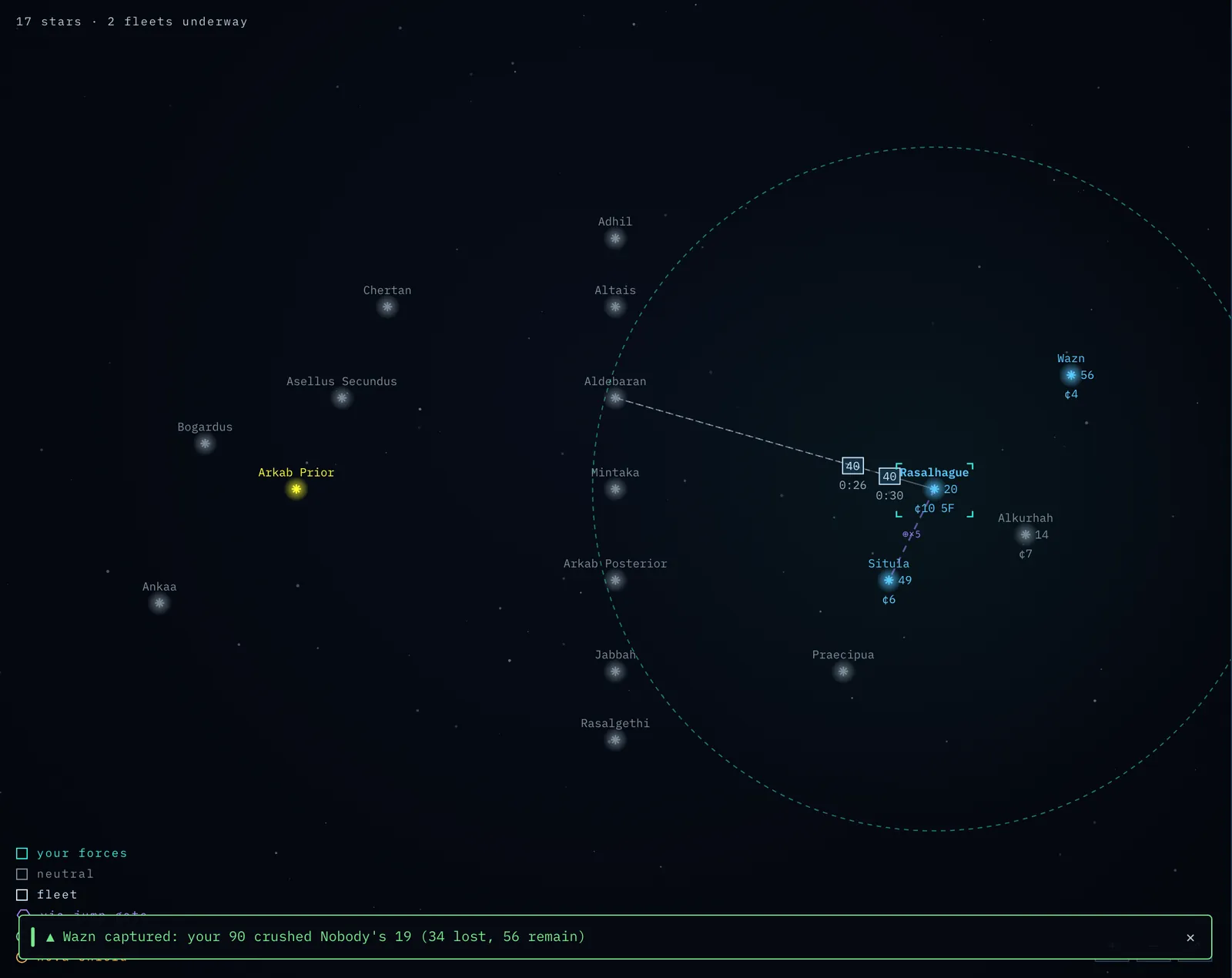
Screenshot: two stars joined by a jump-gate link on the map.
What a gate does
A gate joins two stars — call them the mouths of the gate. A fleet that travels from one mouth to the other rides the gate instead of flying the normal distance, and so arrives in a fraction of the usual time. The link is two-way: it carries fleets in either direction.
Two things make gates powerful:
- Gate travel is far faster. A fleet riding a gate moves at a multiple of its normal speed — a multiple set when the gate is built and upgradable later (see Gate speed) — so the trip takes a fraction of the time flying the distance would. Distance still counts — a longer gate still takes longer than a short one — but at gate speed even a galaxy-spanning hop is quick.
- A gate sidesteps your range. Routing normally has to string together short jumps through stars you own, each within your range. A gate is a single step between its two mouths regardless of how far apart they are — the range limit does not apply to the gate leg.
A gate trip is fast, not instantaneous: the fleet still spends time in transit — it appears under the Fleets tab with an ETA and travels on the map like any other — but compared with flying the distance the difference is dramatic.
Using a gate
To send a fleet through a gate, you only need to own the mouth you leave from. You do not need to own the far mouth — you can jump straight onto a star you don't control and fight the battle there on arrival.
This is the sharp edge of gates: if you capture a star that has a gate mouth, you inherit the gate. A gate your enemy built to move troops around their heartland becomes your road into it the moment you take one end. Hold a gate mouth and you hold the on-ramp.
You don't have to think about gates when you give orders. When you route a fleet to a distant star, Nova automatically prefers a gate whenever travelling through one is faster than flying — the route-preview line will show the fleet dropping into one mouth and emerging from the other. You can always see where your routed fleet will go before you commit — and the fleet composer flags when your route rides a gate and folds the boost into the travel time it shows, so the quoted arrival already reflects the shortcut.
Spy probes and nova bombs ride gates too. They never route across multiple stars, but if a gate links the launch star directly to the target they take it — reaching targets beyond their normal range, and faster. The Comms log and the fleet panels mark anything travelling by gate ("via jump gate ×K").
Building a gate
You can lay down your own gate between two stars you own:
- Select one of your stars and choose Build jump gate.
- Pick the second star — it must also be yours.
- Choose the gate's speed. A gate carries a speed rating you set when you build it (see Gate speed, below) — pick a preset, or dial in any value with the slider or by typing a number, just like choosing how many ships to send.
- Confirm. The gate is built immediately and is ready to use at once.
The cost depends on two things: how far apart the two stars are, and how fast you make the gate. You pay for the extra speed you buy across the distance you span — a short, modest gate is cheap; a long, high-speed gate is a major investment. The slowest gate you can build is 2× (a 1× gate would be no faster than flying, so it isn't offered). The exact price updates as you choose, and is shown before you commit.
Why gates cost what they do. A gate is a permanent speed boost between two specific stars, and you pay in proportion to the travel time it will save you — distance times the speed you add over flying. Build the gates that matter — a supply line from your factory core to the front, or a fast lane to reinforce a contested border — rather than wiring up every star you own.
A few rules to keep in mind:
- You must own both ends to build — but only one end to use. Build a gate deep in safe territory and it stays entirely yours; build one toward the front and be aware that losing either mouth hands the road to whoever takes it.
- No range limit on building. Unlike a fleet jump, a gate can connect two stars at any distance — bridging range is the whole point.
- A dead star kills its gates. If either mouth is nova-bombed, the gate dies with the star: it disappears from the map and can no longer be used. Severing an enemy's gate by bombing one of its mouths is a legitimate (if drastic) tactic.
- Spending is disabled while the theatre is paused — build and upgrade a gate when play is live, like every other purchase.
Gate speed — a dial you control
Every gate has a speed rating: how much faster than normal a fleet crosses it. You set it when you build the gate, and you can upgrade it later — select a gate you own at both ends, choose Upgrade gate, and pay to raise its speed. There is no upper limit: keep spending and the crossing keeps getting faster (a very fast gate is never quite instant, but it gets close). A faster gate also costs more to build and to upgrade.
Here is the catch that makes speed an interesting decision. A gate's speed serves whoever holds the entry mouth — including an enemy who captures it. So the faster you make a gate, the more it does for you and the more it would do for a rival who takes one end. Speed is a risk dial:
- Deep in safe territory, crank a gate as fast as you can afford. You will never lose the mouth, so it is pure upside — a high-speed artery through your heartland.
- Near a contested border, keep a gate slow. If the front shifts and you lose the mouth, you have only handed your enemy a modest road, not a dagger aimed at your core.
- As your front advances and yesterday's border becomes safe interior, that is the moment to pour credits into upgrading those gates — the map tells you which gates are now safe to make fast.
Capturing a gate inherits its current speed, exactly as the previous owner left it. Both building and upgrading require owning both mouths (it is construction work); merely using a gate, as always, needs only the mouth you leave from.
Seeing gates
You see a gate as soon as you can see either of its mouths — that is, when you own one end or have scouted one end with a spy probe. A gate buried entirely in unexplored enemy territory stays hidden until you reveal one of its stars, just like the stars themselves.